
For students newly enrolled at the school for the 2026–27 academic year, please follow the instructions below to register each student with the ITA Board. If you have any questions or need further assistance, please feel free to get in touch with us.
Student Registration
- Choose this link to Register the student: California Tamil Academy (catamilacademy.org)
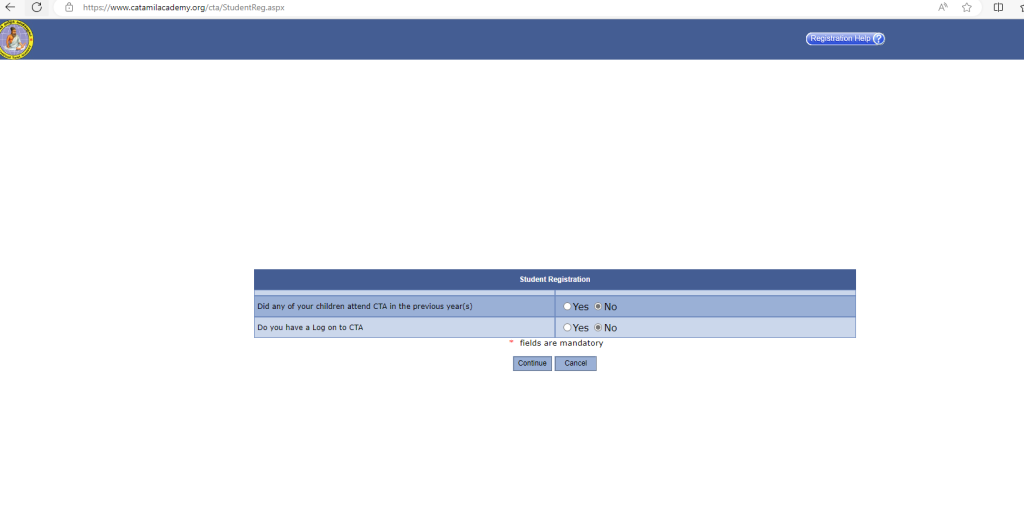
Choose “No” for the first 2 questions as above.
- Please fill the form with the student details. Please note all the Date formats are in US format. Hence you need to type in MM/DD/YYYY format.
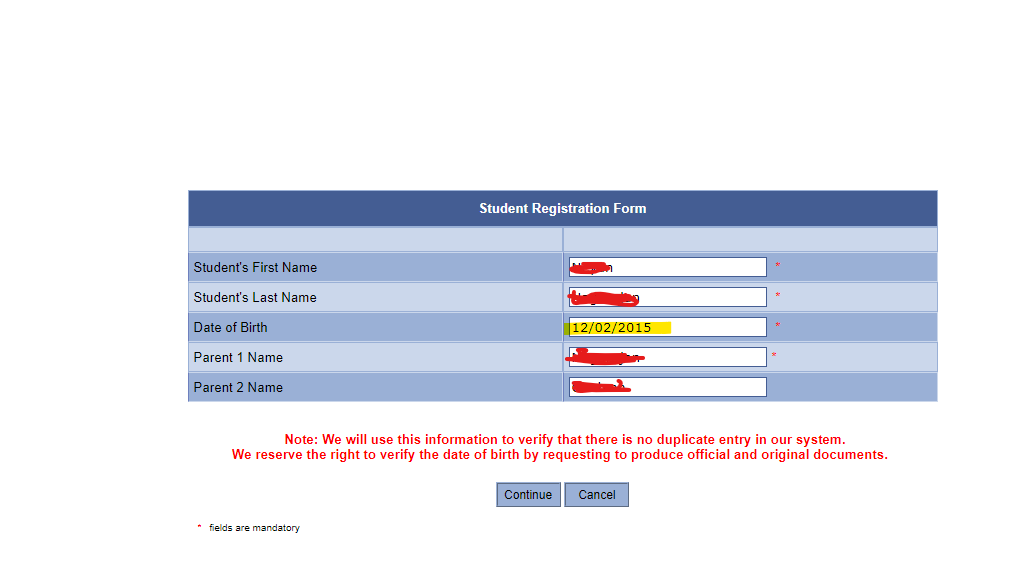
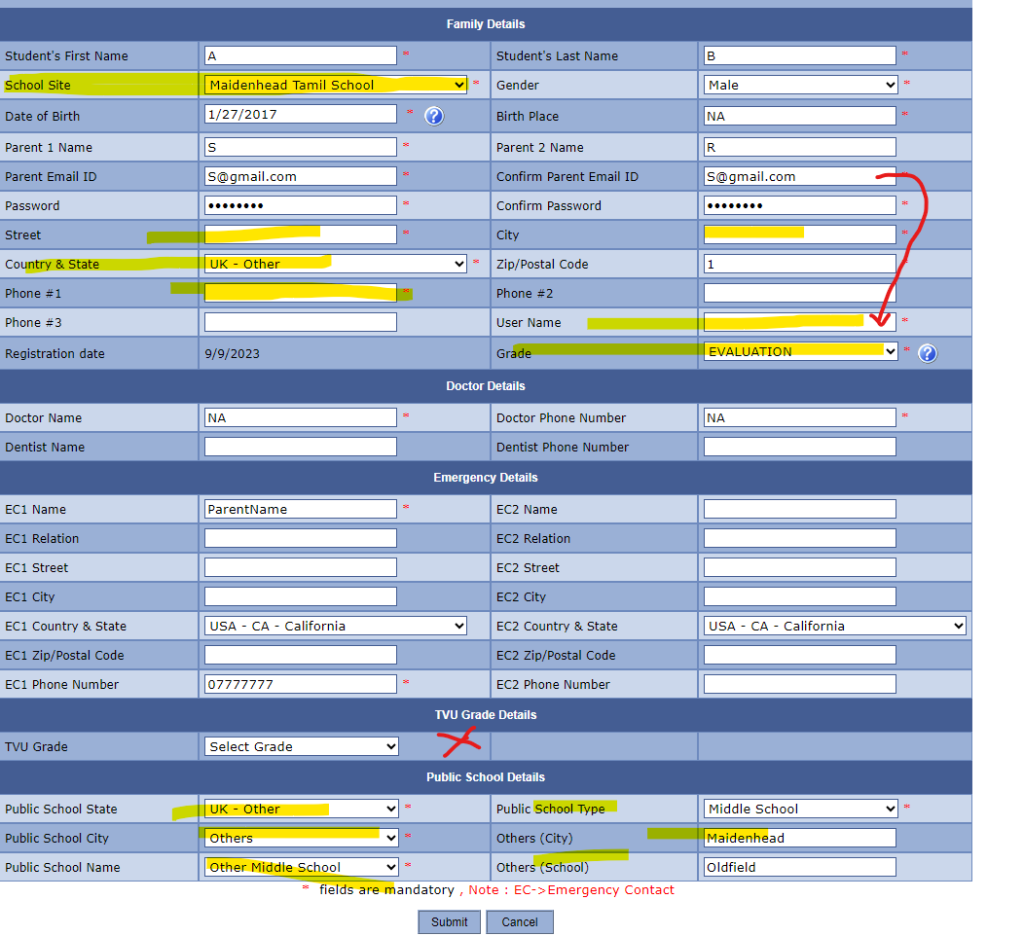
- In the next page, you need to register as below:
- Select the school Site as Maidenhead Tamil School and fill in all the Mandatory fields.
- The ZIP Code accepts only US format. So, you can give just a number here.
- In the Username field, please give your email ID.
- Grade will show based on the Age. For Age 6 and above it shows as Evaluation. Please select that option for now.
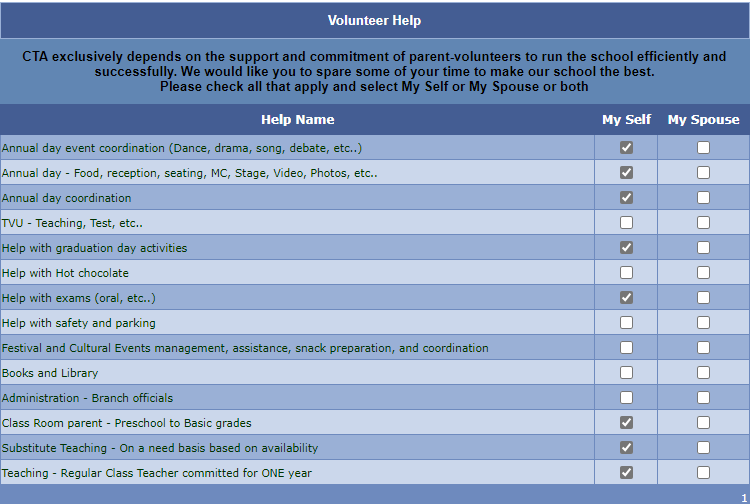
- Once you click the Submit button, it will ask you the option for you to choose any Volunteering activity with the board/school. Please select based on your interests.
- In the next page, please review and Accept the Terms and Conditions. It shows the US school fees details as well. That one is not applicable to us though. You need to add your name to the two forms.
- After you submit, it will ask you to add the siblings. You can add them by following the steps further.
- In case you can’t log in after registration, you can choose the Forgot Password option to reset the password.